Approved for the Ad Grant but Not Running Ads? Here Is Why It Matters
Approval for the Google Ad Grant is only the first step. Here is what a working church campaign looks like and the rules Google uses to keep a grant account active.
Series: Six Ways Your Church Can Be Found, Part 2 of 6
In Part 1 we explained the Google Ad Grant: up to $10,000 a month in search ads for nonprofits that Google approves. Getting approved takes work, so it is natural to feel finished once the approval email arrives.
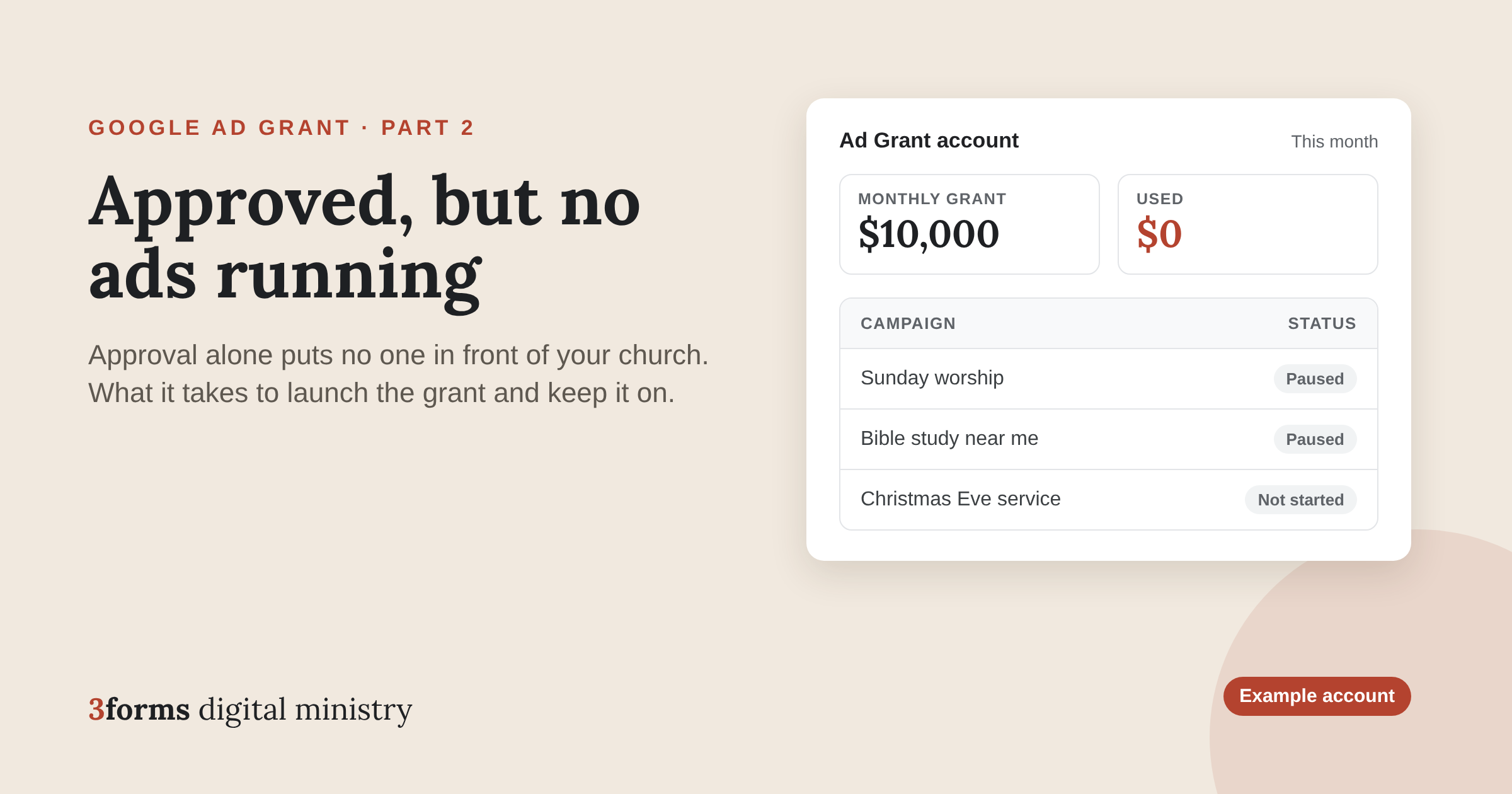
But approval by itself puts no ad in front of anyone. Until campaigns are built and running, no one searching for a church in your town sees yours, and a month with no ads uses none of the grant.
Approval is the starting line
An approved grant gives your church an ad account. It does not give you campaigns, ads or keywords. Someone still has to decide what searches your church should appear for, write the ads, point them to the right pages on your website, and check every month that the account is working.
That is where many grants stall. The person who applied moves on to other ministry, the account sits empty, and the grant quietly goes unused.
What a working church campaign looks like
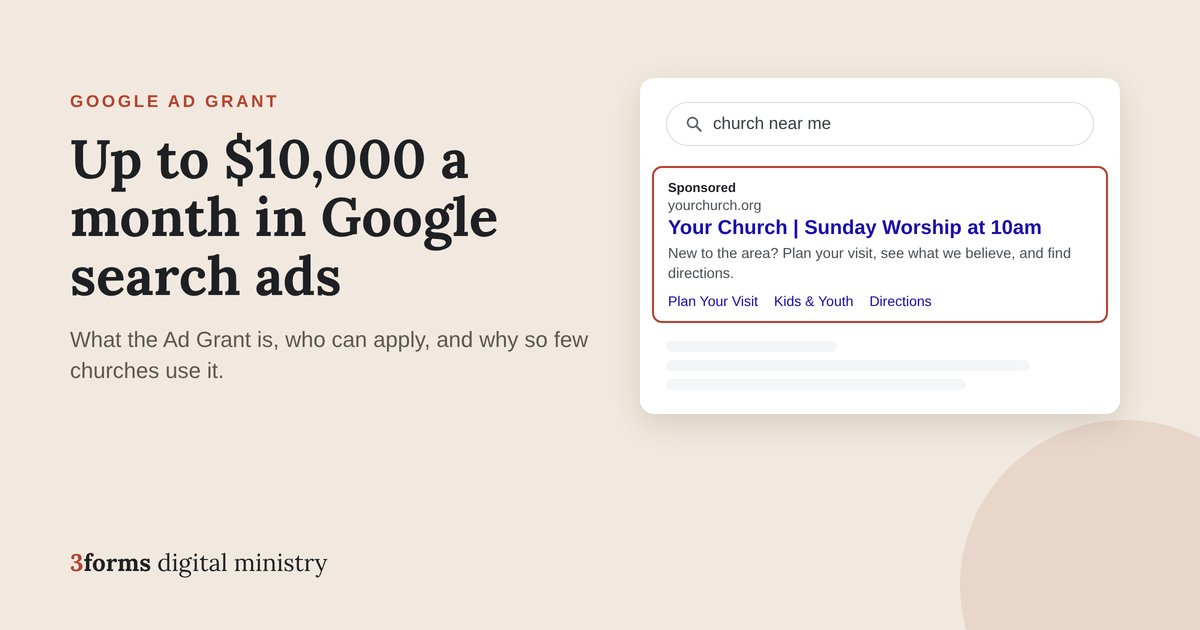
A working campaign is built around what people near you actually type into Google. For a church, that usually means searches like:
- "church near me" or "church in [your city]"
- "Bible study near me"
- "Christmas Eve service" and "Easter service" in the weeks before each holiday
- Questions people ask about faith, answered by a page on your site
Each search group gets its own ads, written in plain words, sending people to the page that answers what they searched: Plan Your Visit, a Bible study page, or a holiday service page. Location targeting keeps the ads in the area your church actually serves, so you are not paying in grant dollars for clicks from people three states away.
The rules that keep a grant on
Google sets account management rules for every Ad Grants account. The main ones:
- A 5% click-through rate each month, measured across the whole account. That means at least 5 clicks for every 100 times your ads are shown. If an account falls below 5% two months in a row, Google temporarily deactivates it.
- Conversion tracking, with at least one conversion recorded each month. A conversion is a meaningful action, such as someone sending a contact form or clicking to get directions. Simple page visits do not count.
- Smart bidding based on conversions on every campaign, such as Maximize conversions.
- At least two sitelinks, the extra links that appear under an ad (for example "Plan Your Visit" and "What We Believe").
- Location targeting set to the area where your services are useful.
- Answering Google's program surveys when they arrive.
None of these is hard on its own. Together they mean a grant account needs regular attention, not a one-time setup.
Check yourself
Five questions you can answer this week:
- Has your church ever been approved for the Google Ad Grant? Ask your pastor, treasurer or office administrator.
- If so, who can sign in to the Google Ads account?
- Once signed in, are any campaigns running right now?
- When did anyone last make a change to them?
- Is a conversion (a form, a call or a directions click) recorded each month?
If the answer to question 3 is no, your church has a grant that is not reaching anyone yet.
How 3forms helps
We build church campaigns around what people in your area search, set up conversion tracking, launch the ads, and keep the account within Google's rules every month. You get a plain monthly report: what people searched, how many clicked, and what they did next.
Not sure where your church stands? Start with our free Church Digital Audit. Get your free audit or see our plans.
Next in this series: Why Google Can't Find Your Church's Website.
Want us to set it up and run it for you? See Google Ad Grant management for churches.
Reformed and Presbyterian churches can read our guide: the Google Ad Grant for Reformed and Presbyterian churches.
Sources
Explore Topics
Written by
3forms Digital Ministry
Content creator and writer sharing insights and stories.