Why Your Church Needs a Google Business Profile
When someone searches for a church in your city, Google Business Profile determines whether they find you. Here is why it matters and how to set it up.
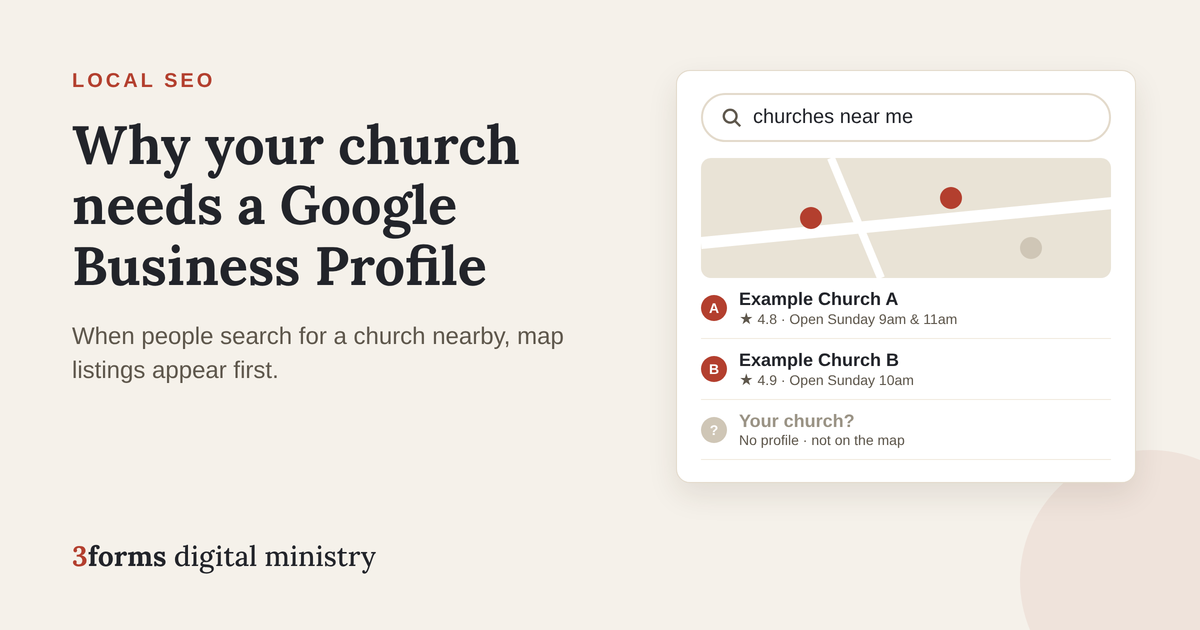
Picture this: someone moves to your city. They don't know anyone yet. On Sunday morning, they open Google and type "churches near me."
What happens next depends almost entirely on whether your church has a Google Business Profile — and whether it's set up well.
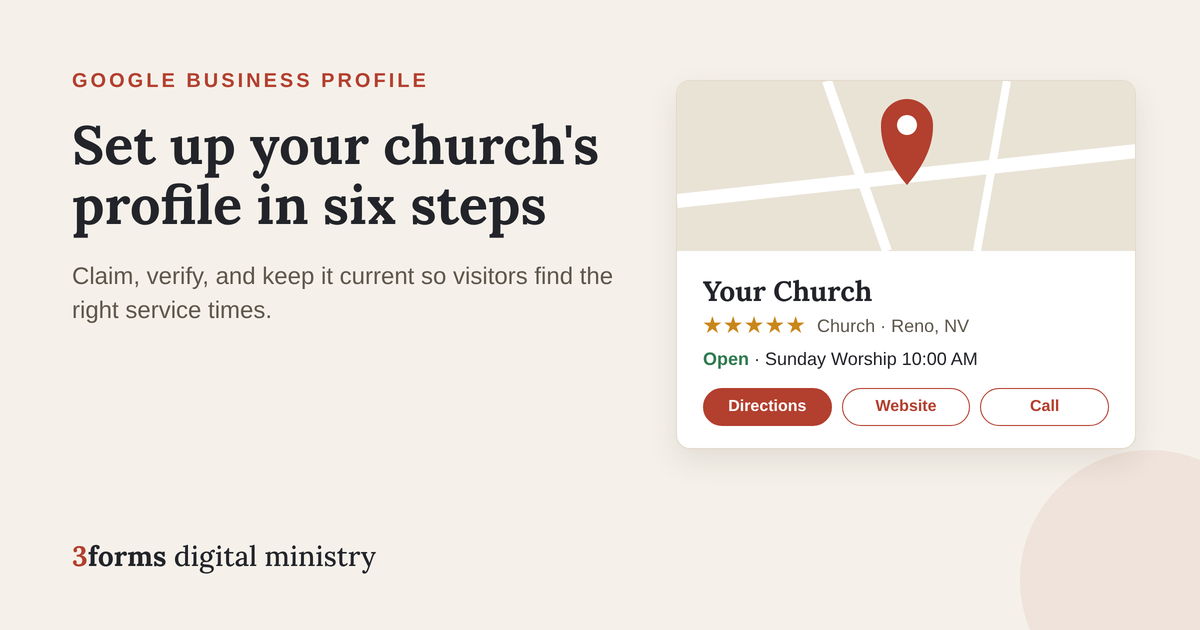
Google Business Profile (formerly Google My Business) is the free listing that appears in Google Maps and in the local results panel on the right side of search results. It shows your church's name, address, phone number, service times, photos, and reviews. It's often the very first thing a potential visitor sees before they ever reach your website.
And yet, a surprising number of churches either don't have one, or have one that's incomplete, outdated, or unclaimed.
What Google Business Profile Actually Does
When someone searches for a church in your area, Google shows a "local pack" — a map with three listings below it. These are Google Business Profile results. They appear above most organic website results.
If your church isn't in that local pack, you're essentially invisible to anyone who doesn't already know your name.
Your Google Business Profile also powers:
- Google Maps directions — when someone wants to visit, they tap your address and get turn-by-turn navigation
- One-tap calling — your phone number is right there, no website visit required
- Service times and hours — people can see when you meet without digging through your site
- Reviews — social proof from real attendees that builds trust with newcomers
- Photos — a visual first impression of your building, your people, and your culture
- Posts — short updates about events, sermon series, or announcements that appear directly in search results
This is a lot of real estate in Google Search, and it's completely free.
Claim Your Listing First
Many churches already have a Google Business Profile — they just don't know it. Google sometimes auto-generates listings based on publicly available information. These unclaimed listings are often incomplete or inaccurate.
Search for your church name on Google Maps. If a listing appears with a "Claim this business" button, that's yours to claim. If nothing appears, you'll create a new one.
To claim or create your profile, go to business.google.com and sign in with a Google account you want to use for your church. Google will ask you to verify ownership, usually by sending a postcard with a verification code to your church's address, or sometimes by phone or email.
Verification typically takes a few days for postcard delivery.
Fill Out Every Section Completely
Once you have access, resist the urge to just fill in the basics and move on. Completeness matters — Google rewards thorough profiles with better visibility.
Here's what to prioritize:
Name, Address, and Phone
Use your church's exact legal name as people know it. Make sure the address matches what's on your website and other online listings — consistency across the web is a local SEO signal Google pays attention to.
Category
Your primary category should be "Church" or the specific denomination if applicable (e.g., "Baptist Church," "Presbyterian Church"). You can add secondary categories for specific ministries — "Food Bank," "Community Center," or "Non-profit Organization" — if those are significant parts of what you do.
Service Times and Hours
List your regular service times under "Hours." Many churches make the mistake of leaving this blank or listing generic office hours. People searching on Saturday night want to know when you meet Sunday morning — make it easy for them.
If your hours change for holidays or special services, use the "Special hours" feature to update them temporarily.
Website
Link directly to your church's homepage. If you have a specific "Plan Your Visit" page, that can be even better — it's exactly what a first-time visitor needs.
Description
You have 750 characters to describe your church. Use them. Write for the person who has never heard of you: what kind of church are you, what's your style of worship, what does your community value, and who would feel at home there?
Avoid insider language. "We're a gospel-centered, expository preaching church with a heart for the nations" means something to people already in church culture — but it may not connect with someone who's been away from church for years and is just looking for a place to belong.
Add Photos — Lots of Them
Photos are one of the most underused features of Google Business Profile, and one of the most impactful.
Listings with photos receive significantly more clicks and direction requests than those without. People want to know what they're walking into before they show up.
Upload photos of:
- Your building exterior — so people can find it when they arrive
- Your worship space — so people know what the service environment feels like
- Your congregation — candid shots of real people in community, not just posed group photos
- Your children's ministry spaces — parents want to see where their kids will be
- Special events — holiday services, community outreach, baptisms
Aim for at least 10–15 photos to start, and add new ones a few times a year to keep the profile fresh.
Ask for Reviews (and Respond to Them)
Reviews are social proof. When someone is deciding between two churches they've never visited, reviews from real attendees carry real weight.
The most effective way to get reviews is simply to ask. After someone has been attending for a few weeks, a personal ask from a pastor or ministry leader goes a long way. You can also include a link to your Google review page in your bulletin, email newsletter, or welcome materials.
When reviews come in — positive or negative — respond to them. A thoughtful response to a critical review shows that your church listens and cares. A warm response to a positive review reinforces the community feel that drew that person to write it in the first place.
Use Google Posts for Announcements
Google Posts let you share updates that appear directly in your Business Profile in search results. Think of them like a mini social media feed, but in Google itself.
Use posts to announce:
- Upcoming sermon series
- Special events like Easter, Christmas Eve, or community outreach days
- New visitor information ("Joining us for the first time? Here's what to expect")
- Volunteer opportunities
Posts expire after seven days, so this works best as a regular habit rather than a one-time setup.
Keep It Updated
The most common mistake churches make with Google Business Profile isn't failing to set it up — it's setting it up and then forgetting about it.
Service times change. Staff changes. You move buildings. You add a new campus. If your Google Business Profile doesn't reflect reality, you're sending people to the wrong place at the wrong time.
Set a reminder to review your profile at least quarterly. It takes 15 minutes and it matters more than most churches realize.
The Bigger Picture
Your Google Business Profile is often the first impression your church makes on someone who is genuinely searching for community. That's not a small thing.
The person searching "churches near me" on a Sunday morning may be grieving, lonely, newly married, newly divorced, or just finally ready to walk through a door. Your profile is what tells them whether your church might be the right one.
Make it worth their click.
Ready to set yours up? Read Part 2: How to Set Up Your Church's Google Business Profile, a step-by-step guide.
Want help with this? See our church SEO service.
Explore Topics
Written by
3forms Digital Ministry
Content creator and writer sharing insights and stories.